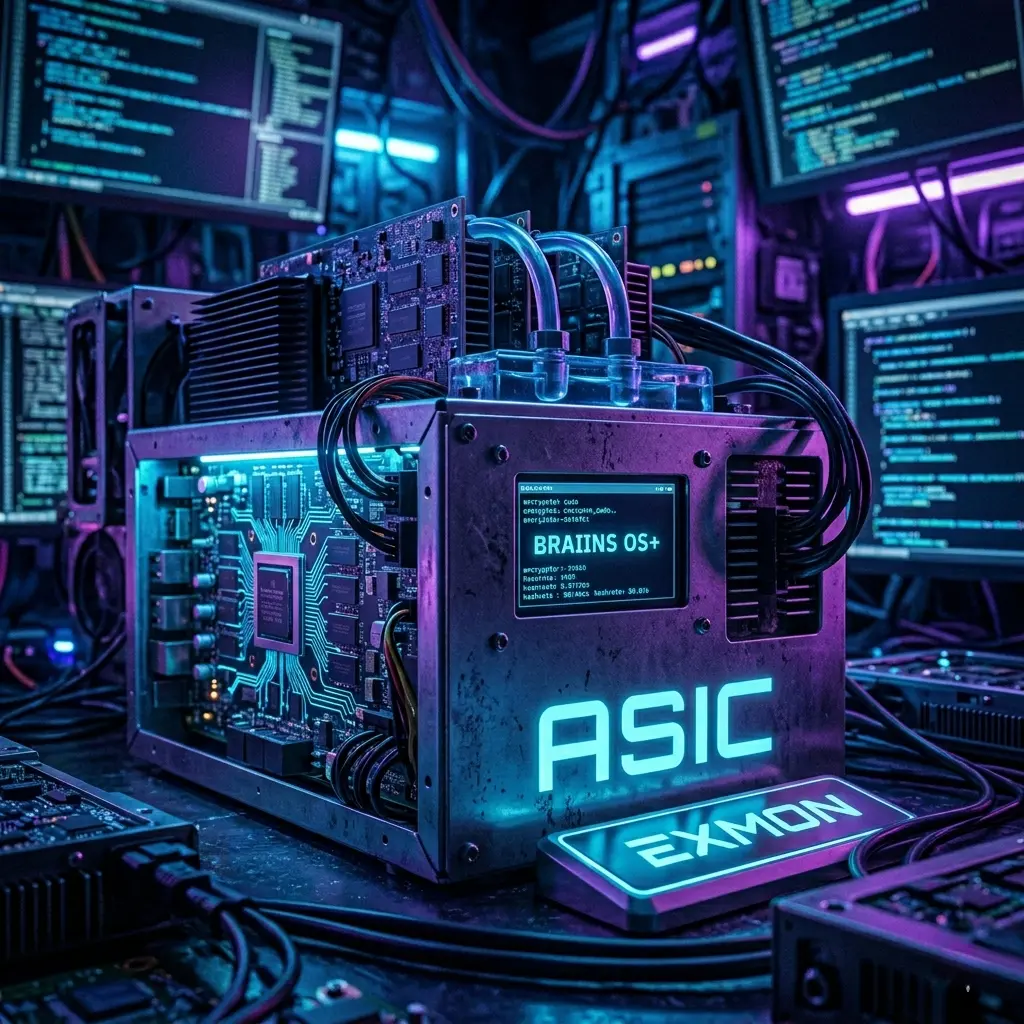
In the world of industrial mining, energy efficiency isn't just a "nice-to-have" bonus—it’s the only way to survive during a halving or a bear market. Stock firmware from Bitmain or MicroBT often feels like a closed "black box": they are stable, but extremely conservative when it comes to voltage and frequency settings.
Third-party software, such as Braiins OS+, VNISH, or MSKMINER, unlocks low-level access to the hardware, allowing you to squeeze the absolute maximum out of the chips or, conversely, force them to run in an extreme power-saving mode.
1. How it works: The physics of the process
To understand how to reduce consumption by 20%, you need to recall the dynamic power formula for CMOS chips:

Where:
V - Voltage.
f - Frequency.
C - Dynamic capacitance.
The key point: Consumption grows quadratically relative to voltage. By reducing the voltage by just 10%, we achieve significantly greater energy savings. Custom firmware uses Autotuning algorithms that select individual parameters for each of the hundreds of chips on a hashboard, whereas factory software often sets a single uniform voltage for the entire board.
2. Market leaders overview: Braiins OS+ and competitors
Braiins OS+ (The leader in transparency)
- This is the first fully Open Source, Linux-based firmware for ASICs.
- Main feature: Support for the Stratum V2 protocol, which reduces network load and protects against man-in-the-middle attacks.
- Compatibility: Traditionally strong in the Antminer S9, S17, T17, S19, and S19 Pro/J Pro lineups.
- Little-known fact: Braiins uses its own drivers written in Rust, which minimizes memory errors typical of old C-based code.
VNISH / MSKMINER
- Popular solutions in the CIS region with a very flexible interface.
- Advantage: A massive database of profiles tailored to specific Power Supply Units (PSUs). They allow you to "crank up" an S19 from the stock 95 TH/s to 120–125 TH/s on air cooling, provided you have a powerful PSU.
3. Practical Overclocking and Downvolting (Underclocking)
Custom software offers two paths for optimization:
A. "Efficiency" Mode (Downvolting)
- Goal: Minimum J/TH (Joules per Terahash).
- Example: An Antminer S19 on factory firmware consumes about 34.5 J/TH. With Braiins OS+, you can achieve 28–29 J/TH.
- How to do it: You select a Wattage limit in the settings. The system will automatically lower the frequency and voltage to the point of ideal balance.
B. "Maximum Hashrate" Mode (Overclocking)
- Goal: Maximum production when cheap electricity is available.
- Risk: Requires replacing stock power supplies with more powerful ones (for example, from 3.2 kW to 4-5 kW) or using immersion cooling.
4. Technical nuances: Autotuning and chip logic
Autotuning is an iterative process. The firmware sends test data packets to the chip at different frequencies and records the number of hardware errors (HW errors).
- If a chip produces too many errors, the voltage is increased or the frequency is lowered.
- If a chip is "cool" and stable, the frequency is carefully raised.
Pro tip: Keep an eye on "red" chips in the logs. If one chip constantly stands out from the rest after autotuning, it’s a sign of imminent degradation. Custom firmware allows you to programmatically "disable" the problematic chip or reduce its load so as not to overheat the entire board.
5. Security and API
Many people forget about SSH access. In third-party firmware, it is important to change default passwords (root/root or admin/admin).
Example of management via API (Python/JSON):
To monitor a fleet of machines on Braiins OS+, you can use RPC commands. For example, a tuner status request:
import socket
import json
def get_miner_stats(ip, port=4028):
    with socket.socket(socket.AF_INET, socket.SOCK_STREAM) as s:
        s.connect((ip, port))
        # Command to get tuner data in Braiins OS
        command = {"command": "tunerstatus"}
        s.sendall(json.dumps(command).encode())
        response = s.recv(4096)
        return json.loads(response.decode())
# The example output will show the current voltage for each chain
6. Immersion cooling: A new life for ASICs
Third-party software is a mandatory requirement for switching to "immersion." You can read more about immersion cooling in the article “ASIC: The Quiet 0 dB Crypto-Boiler”
- Disabling fans: In factory firmware, you will get a "Fan error." Custom firmware allows you to ignore the absence of coolers.
- Temperature limits: In liquid, chips can operate under higher loads, and the firmware allows you to raise the critical shutdown threshold (Shut down temperature) to 95-105°C on the chip.
7. Risks and "Pitfalls"
- DevFee (Developer Fee): Almost all third-party firmware takes between 1% and 3% of the hashrate in favor of the developers. This works by switching the miner to the developer's worker for a few minutes per hour.
- Warranty: Installing custom software almost always voids the official Bitmain warranty.
- Viruses: Download firmware only from official sites or trusted repositories (such as GitHub for Braiins). There are fakes that, after 24 hours of operation, switch 100% of the hashrate to the attacker's wallet.
8. Control Board Firmware Nuances: C9, Xilinx, and BeagleBone
Many beginners are surprised to find that the same ASIC model (e.g., the S19) can ship with different control boards. This is a critical factor when choosing your firmware:
- Xilinx / Zynq: These are the traditional boards equipped with an SD slot. They are the easiest to flash—just write the image to a card, pop it into the slot, and you're good to go.
- Amlogic: Frequently found in newer S19 batches. These usually require a specific "network flashing" method or the use of a micro-USB port.
- BeagleBone Black (BBB): Legacy but reliable boards typically found in S9/L3+ models.
Pro Tip: Some of the latest S19 revisions come with "Secure Boot" write protection. To flash these, you might need a specialized SD adapter or even a hardware modification (shorting specific pins) on the control board to bypass the lock and allow booting from external media.
9. Advanced Tuning: Dealing with "Weak" Chips
In the factory, chips are sorted by quality through a process called "binning." However, over time, the constant heating and cooling cycles cause the silicon to degrade.
Practical Diagnostic Advice:
If you notice your hashrate "floating" or unstable after autotuning, check the Voltage Offset parameter. In custom firmware, you can manually add +5–10 mV to a specific board that is showing a high error count. This often stabilizes performance without forcing you to lower the clock speed for the entire machine.
10. The Economics of DevFee: Doing the Math
A lot of miners are wary of a 2-3% developer fee, but the math consistently favors custom firmware:
- Stock Firmware: 100 TH/s at 3250 W.
- Custom Firmware (Accounting for 2.8% DevFee): A net 115 TH/s (after the fee deduction) at the same 3250 W, or a steady 100 TH/s at a reduced 2700 W.
Even after the commission, your Net Profit increases—either by slashing your electricity bill or by boosting output enough to significantly outweigh the developer's percentage.
11. Fleet Management Features for Large Farms
For those managing hundreds of units, third-party software provides functionality that stock firmware simply can't touch:
- Pre-heat: When starting up in a cold environment, the ASIC gradually ramps up frequencies. This prevents micro-cracks in the solder caused by sudden thermal expansion.
- Warm Boot: If you switch pools or suffer a brief connection drop, the ASIC keeps the fans spinning and maintains chip settings. This drastically reduces Downtime.
- Bulk Configuration: The ability to push overclocking settings to 1,000 miners simultaneously via a single configuration file (usually .json or .conf).
Example config structure (simplified):
{
  "bitmain-type": "S19",
  "groups": [
    {
      "name": "Row_1_High_Performance",
      "target_freq": 625,
      "voltage": 1320,
      "fans_speed": 80
    }
  ]
}
12. Impact on Equipment Lifespan
There is a common myth that overclocking "kills" ASICs. In reality, chips are killed by heat and violent temperature fluctuations.
- Air-Cooled Overclocking: As long as you keep chip temperatures under 80°C, a 15-20% boost in frequency has virtually no impact on longevity.
- Downvolting: This actually extends the life of both the Power Supply Unit (PSU) and the chips by reducing the current load on the hashboard traces.
13. 2026 Firmware Selection Summary
| Use Case | Recommended Software | Why? |
|---|---|---|
| Maximum Stability & Open Source | Braiins OS+ | Transparent code, excellent Stratum V2 implementation. |
| Record Hashrates on S19/S21 | VNISH / MSK | The best profiles for extreme overclocking. |
| Second Life for S9 / L3+ | Hiveon / Antminer Custom | Keeps these "legacy" units profitable in the current market. |
Conclusion: Is it Worth the Effort?
Switching to custom firmware transforms an ASIC from a basic appliance into a professional-grade instrument. With high network difficulty and BTC price volatility, mastering the V/F curve (Volt-Frequency curve) is now just as vital a skill for a miner as securing cheap electricity.
The Golden Rule: Always make a backup of your original firmware (memory dump) and start your tuning in small increments, allowing the system 30–60 minutes to stabilize after every change.
Summarize this blog post with: