

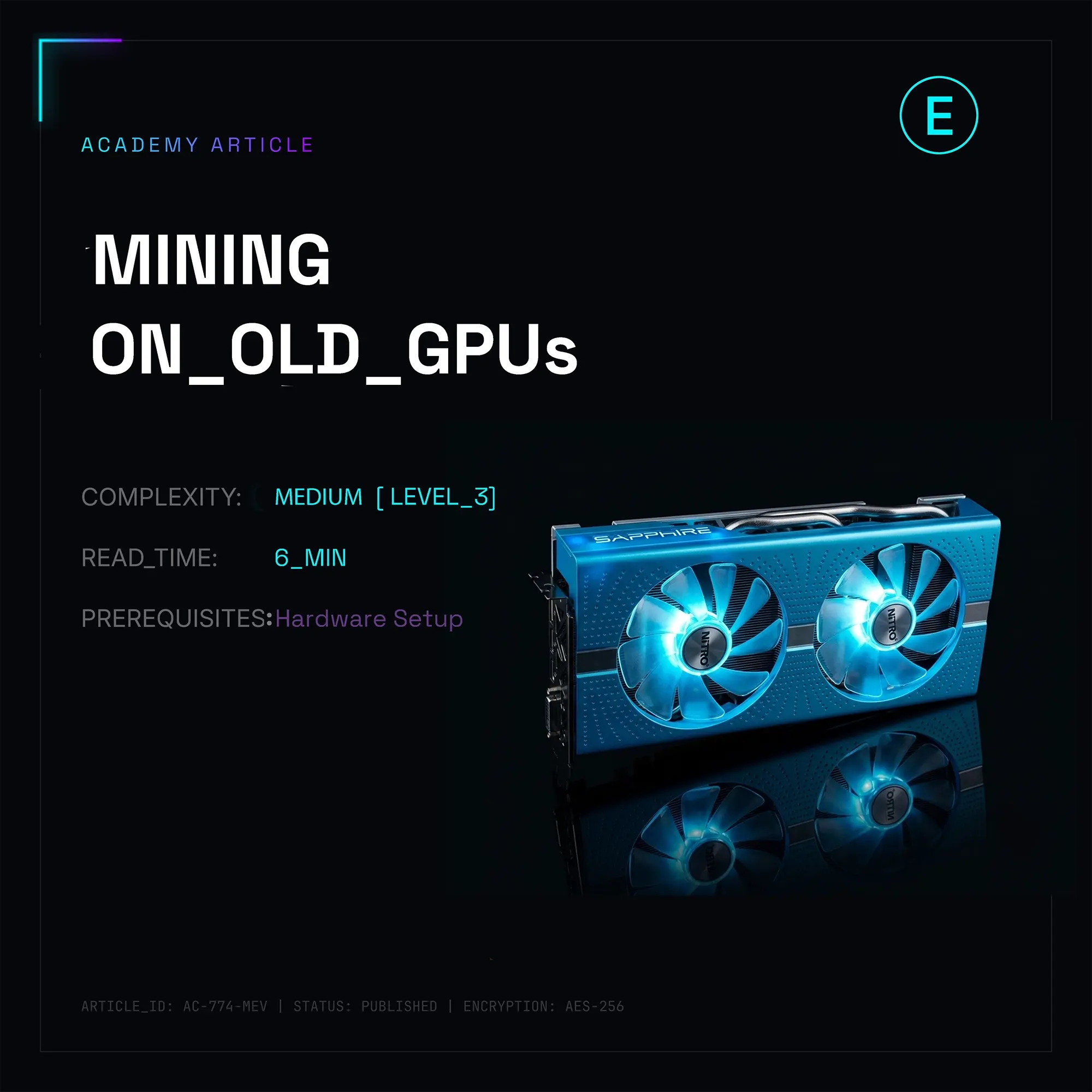
When Ethereum ditched Proof-of-Work, millions of 4GB and 8GB GPUs instantly looked like total e-waste to outsiders. Network difficulty keeps climbing, DAG sizes (Directed Acyclic Graph—the data block loaded into the GPU's VRAM for calculations) are bloating, and legacy cards physically can't cram them into their memory anymore. Try a standard setup, and your miner will just throw a critical Allocation failed error and crash.
But throwing this hardware in the trash is a massive mistake. Thanks to Zombie Mode, legacy rigs like the legendary 4GB AMD Radeon RX 470/480/570/580 or old Nvidia Pascal cards can keep mining altcoins, even when the DAG size blows past their VRAM limit.
What is Zombie Mode and how does the magic work?
When the DAG size outgrows a GPU's local memory (say, the DAG is 4.2GB but the card only has 4GB), it completely bricks standard operations. Zombie Mode is a software hack cooked right into the miner's kernel (first rolled out at scale by the devs behind TeamRedMiner and LolMiner).
The concept is straightforward: the miner forces whatever part of the DAG that actually fits into the VRAM onto the card itself, while dumping the remaining "tail" into the system's RAM or squeezing it out by heavily overclocking the addressing space.
But there is a brutal technical bottleneck that basic guides always gloss over. The bandwidth between a GPU chip and its onboard GDDR5/GDDR6 memory runs at hundreds of gigabytes per second (around 224 GB/s on an RX 580). Meanwhile, the PCIe bus that the card has to use to fetch the missing DAG chunks from the CPU and system RAM is multiple times slower. Because of this constant data lag, your hashrate doesn't just drop linearly—it takes a massive dive with every new epoch. The card becomes a "zombie"—mostly dead for top-tier algos, but still capable of printing money if you dial in the settings right.
Crucial Catch: On algos where the DAG is generated just once at startup (Ethash clones, Etchash, KawPow), Zombie Mode works like a charm, gradually tapering off the hashrate. On algos that constantly mutate data on the fly, this trick won't work at all.
Best Coins for Zombie Mining in 2026
The market has plenty of altcoins that are either tailormade for low-VRAM hardware or let you run Zombie Mode with minimal performance penalties.
| Coin (Ticker) | Algorithm | DAG Size (Mid-2026) | Optimal VRAM | Takeaway for Legacy Cards |
|---|---|---|---|---|
| Ethereum Classic (ETC) | Etchash | ~3.45 GB | 4 GB / 8 GB | 4GB cards are already deep into Zombie Mode here. Hashrate is down, but if you have free juice, it's still worth running. |
| Ravencoin (RVN) | KawPow | ~3.90 GB | 4 GB (Cutting it close) / 8 GB | This algo absolutely fries both the core and memory. 4GB cards are pushing into Zombie Mode. Needs a beefy PSU. |
| Clore.ai (CLORE) | KawPow | ~3.88 GB | 4 GB / 8 GB | A distributed compute play. 8GB cards yield better ROI by renting out power for AI, but straight mining is still solid. |
| Nexa (NEXA) | NexaPow | No DAG (Core-Heavy) | 4 GB / 8 GB | The holy grail for 4GB cards. The algo barely cares about memory size; it's all about raw core compute power. |
| Kaspa (KAS) / Sedra (SDR) | HeavyHash / kHeavyHash | No DAG | 4 GB / 8 GB | Pure core mining. You can slam the memory clock all the way down to save on electricity. Perfect for legacy silicon. |
Hardware Requirements: Why Standard Rigs Won't Cut It
When you're mining normally on 8GB cards, you can just plug them into cheap x1 risers and throw them into any open slot on the motherboard. Try that with a 4GB Zombie Mode setup, and it will fail miserably. Trying to run a zombie over an x1 riser will completely tank your hashrate to zero instantly.
To minimize the latency when hitting system RAM, the GPU must sit directly in a full-speed PCIe x16 or x8 slot. Interface generations are a make-or-break factor here: PCIe 3.0 is non-negotiable; PCIe 2.0 will literally cut your yields in half.
You will need legacy server boards or enthusiast platforms (like X79/X99 chipsets or older Z-series boards) that feature at least 2–3 true PCIe x16 slots running in x8/x8 or x16/x8/x4 modes when populated with high-lane Xeon or Core i7 CPUs. Forget about those specialized 12-slot mining boards packed with x1 slots—they are useless for 4GB cards in zombie mode. Your system RAM also needs to run in at least dual-channel mode at the highest clock speed possible, since it's acting as a direct extension of your VRAM.
OS Tuning and Miner Configs
To squeeze out every last drop of performance, we need to pass specific arguments in the command line. Here is a plug-and-play config script for TeamRedMiner (optimized for AMD Polaris RX 400/500 series cards) running on HiveOS / RaveOS, bare-metal Linux, or Windows.
#!/bin/bash
# Export env variables to open up max memory allocation for AMD OpenCL
export GPU_MAX_ALLOC_PERCENT=100
export GPU_SINGLE_ALLOC_PERCENT=100
export GPU_MAX_HEAP_SIZE=100
export GPU_USE_SYNC_OBJECTS=1
# Launch TeamRedMiner for ETC on 4GB cards in Zombie Mode
# --zombie_tune is the secret sauce. A value of 16.5 sets the RAM shard tuning step.
# Tweak this manually between 4.0 and 16.5. Higher means more hashes, lower means more stability.
./teamredminer \
  -a etchash \
  -o stratum+tcp://eu1-etc.ethermine.org:4444 \
  -u 0x0000000000000000000000000000000000000000.ZombieRig01 \
  -p x \
  --zombie_tune=16.5 \
  --eth_config=A256
For green teams (4GB Nvidia 10-series cards), LolMiner is your best bet. The configuration string looks like this:
# Force-activate zombie mode on specific cards and lock down the degradation
./lolMiner --algo ETCHASH --pool etc.hiveon.net:4444 --user 0x0000000000000000000000000000000000000000.NvidiaZombie --zombie 1
Under-the-Radar Hacks: Beating the System
There is a critical trick when dealing with the primary GPU slot (GPU 0). The OS usually routes the display or a dummy plug into this card, causing the operating system (especially Windows) to hog a graphics sub-buffer of about 200–400MB of VRAM. In a zombie mining setup, that is a death sentence: you instantly lose a whole epoch of mining.
Always go into your motherboard's BIOS and route the primary display output to the CPU's integrated graphics (iGPU). If your CPU lacks integrated graphics, assign an 8GB card as GPU 0 (if you are running a mixed rig). Let that card take the VRAM hit from the OS, leaving a pristine, untouched 4GB pool for the rest of your zombie cards.
Fine-Tuning Overclocks and Edge-of-The-Cliff Undervolting
Pushing a zombie card's memory the same way you did back in 2021 is a rookie mistake. Since the bottleneck has shifted from the GDDR5 memory chips to the PCIe bus, cranked-up memory clocks won't give you a linear hashrate bump. Instead, you'll just end up with a flood of invalid shares and bloated power draw.
Drop your core clock down to the absolute bare minimum needed to process the current algo, and pull down voltages aggressively. For an RX 580 4GB mining Nexa or Kaspa, the sweet spot is: core at 1150 MHz at 850 mV, memory at 1900 MHz. This keeps the card drawing just 80–90W at the wall instead of its factory 150W spec, keeping your efficiency metrics in check.