So, you’ve built your soundbox or assembled an immersion cooling tank. Now it’s time to "tame" the hardware. Even in 2026, factory settings for ASIC miners are still geared toward hitting the maximum hashrate at any cost—meaning high voltage and fans spinning at deafening speeds. For home heating, we need flexibility.
1. Why Swap the Stock Firmware?
Stock firmware from Bitmain or MicroBT is often too restrictive. Third-party firmware in 2026 (like Braiins OS+, Vnish, or LuxOS) gives us three essential "superpowers":
- Downvolting: Lowering the voltage to the chips. This can reduce power consumption (and heat output) by 30% while only losing about 10% of hashing power.
- Auto-Tuning: The system automatically finds the "sweet spot" voltage for each of the hundreds of chips inside the ASIC, preventing "weak links" from overheating.
- Quiet Start: A gradual fan ramp-up so your miner doesn't sound like a jet engine taking off the moment you plug it in.
2. "Crypto-Boiler" Mode: Setting Temperature Targets
In traditional mining, we fight for the lowest possible temperature. In a heating setup, we want consistent, stable heat.
How to set it up:
Look for the "Temperature Control" section in your firmware menu.
- Target Temperature: Set this to 65–70°C. This is a safe threshold for the chips that ensures the exhaust air (or immersion oil) is hot enough to actually heat the room.
- Hot Redline: 85°C. This is your fail-safe; if the chips hit this mark, the software should kill the mining process immediately.
3. Automation: Low-Power Mode and Scheduling
In 2026, electricity prices fluctuate throughout the day. Your goal is to teach your ASIC to "pipe down" when heat isn't needed or power is expensive.
Practical Setup (via Firmware API):
Most modern firmwares support MQTT or have an open API. You can automate power profile switching:
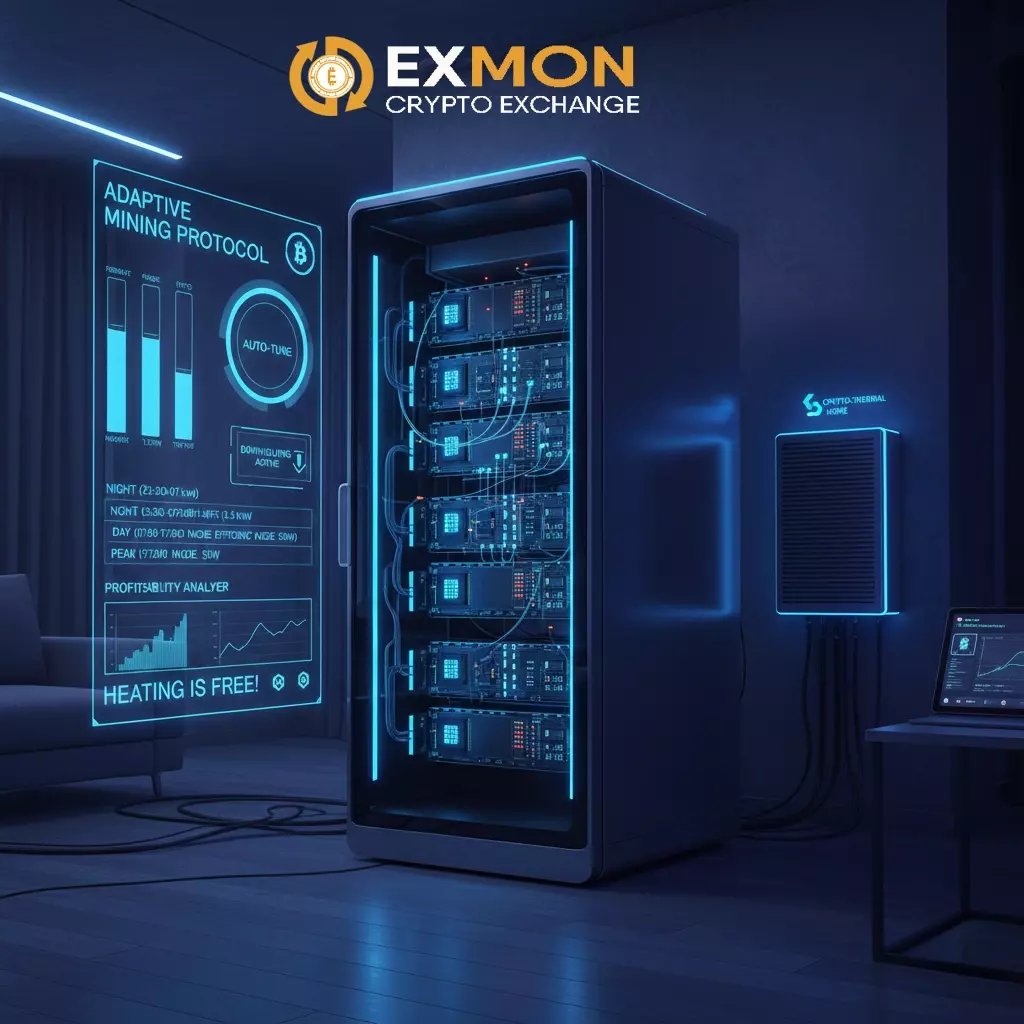
- Night (Cheap Power): Performance Profile (3.5 kW, maximum home heating).
- Day (Expensive Power / Solar): Efficiency Profile (1.2 kW, maintaining baseline temp).
- Peak (Highest Tariff): Sleep Mode (50W draw, mining paused).
2026 Pro Tip: Use a Python script to monitor BTC price vs. your local kWh cost. If mining profitability drops more than 20% into the red, the script can pivot the ASIC into a "pure heater" mode with a minimal hashrate.
4. Troubleshooting: Fan Spoofing and Logs
If you’re using a soundbox with external inline fans or an immersion setup, you’ll need to bypass the stock fan checks.
- In Vnish or Braiins, this is a simple toggle: "Disable Fan Check."
- If you’re stuck on stock firmware, you’ll need "Fan Emulators"—physical plugs that send a fake RPM signal to the control board to keep it from throwing an error.
5. Smart Home Integration Example
If you’re running Home Assistant, add a sensor to your configuration.yaml to monitor your "boiler’s" output:
sensor:
  - platform: rest
    name: "ASIC Temperature"
    resource: http://192.168.1.100/api/stats
    value_template: "{{ value_json.temps[0].chip_temp }}"
    unit_of_measurement: "°C"
  - platform: template
    sensors:
      heating_efficiency:
        friendly_name: "Heating Efficiency"
        value_template: >-
          {% set power = states('sensor.asic_power_w') | float %}
          {% set income = states('sensor.asic_daily_income_usd') | float %}
          {{ (income / (power * 24 / 1000 * 0.07)) | round(2) }}
          # 0.07 is your kWh price. If > 1, your heating is officially "free."
Summary
The right software tweaks turn a loud piece of industrial hardware into an intelligent climate control system. Proper downvolting saves money and extends the life of your chips, while automation means you won't have to touch the miner for months at a time.
But software is only half the battle. The big question remains: "Which hardware should I actually buy in 2026?" The market is flooded, and not every ASIC is fit for living in an apartment.
Next up: "2026 Home Miner Review: From Bitaxe to Hydro-Ready Rigs."
Crypto Heating Series 2026: Part 4 of 5
Summarize this blog post with: